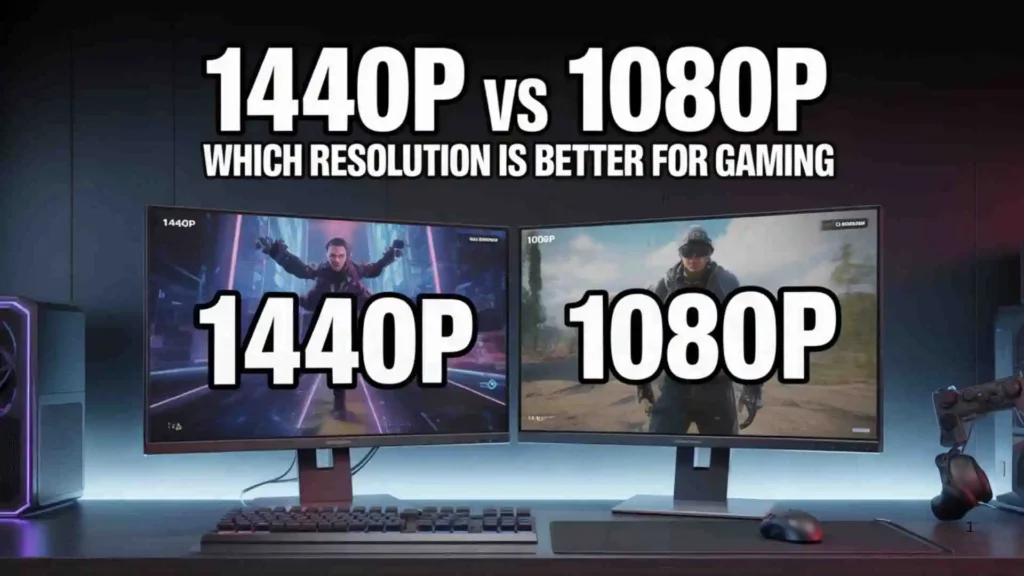
Choosing between 1440p vs 1080p can significantly impact your gaming and viewing experience. While both resolutions are popular, they differ in sharpness, performance demands, and cost.
1080p remains the standard for budget setups and competitive gaming, while 1440p offers sharper visuals and improved clarity.
Understanding the difference helps you pick the right monitor and GPU combination. Let’s break it down in simple terms so you can decide which resolution fits your needs best.
What Is 1080p Resolution?
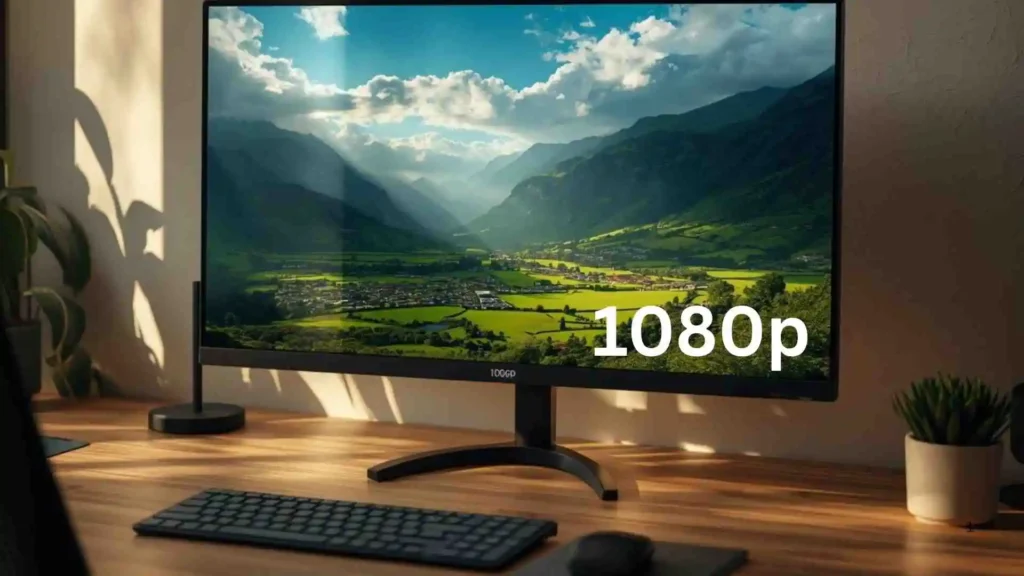
1080p, also known as Full HD (FHD), has a resolution of:
1920 x 1080 pixels
That equals about 2 million pixels on the screen.
Benefits of 1080p:
- Lower GPU requirements
- Higher frame rates
- Affordable monitors
- Widely supported
1080p is still extremely popular among gamers.
What Is 1440p Resolution?
1440p, also known as Quad HD (QHD), has a resolution of:
2560 x 1440 pixels
That equals about 3.7 million pixels, nearly 78% more pixels than 1080p.
Benefits of 1440p:
- Sharper image quality
- More screen real estate
- Better detail in games
- Ideal balance between 1080p and 4K
1440p vs 1080p: Key Differences
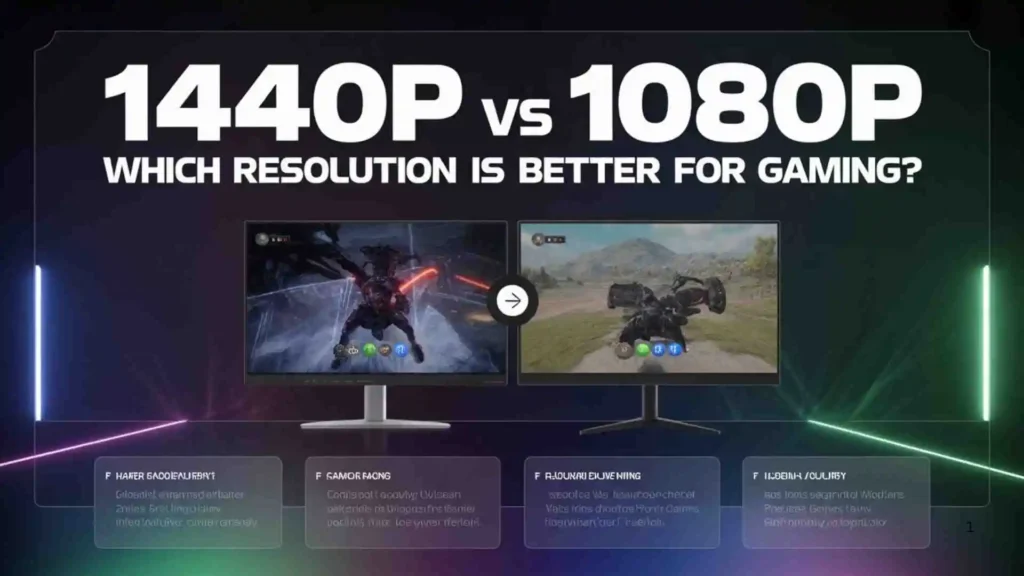
| Feature | 1080p | 1440p |
| Resolution | 1920×1080 | 2560×1440 |
| Total Pixels | ~2 million | ~3.7 million |
| GPU Demand | Lower | Higher |
| Image Sharpness | Good | Very Sharp |
| Monitor Cost | Lower | Higher |
In simple terms:
- 1080p = Better performance
- 1440p = Better visuals
Image Quality Comparison
1440p displays significantly sharper details, especially on larger monitors (27 inches and above).
Text appears:
- Crisper
- Smoother
- More detailed
For casual users, the difference is noticeable but not dramatic on smaller screens.
Gaming Performance Impact
Higher resolution means:
- More pixels for the GPU to render
- Lower frame rates (if GPU is weak)
If you want:
- Maximum FPS → 1080p
- Better visuals with good FPS → 1440p
Competitive esports players often prefer 1080p for higher frame rates.
GPU Requirements
For smooth 1080p gaming:
- Mid-range GPUs work perfectly
For 1440p gaming:
- Stronger GPU recommended
- More VRAM required
If your GPU is older, 1080p might be the smarter choice.
Price Comparison
1080p monitors:
- More affordable
- Available at many refresh rates
1440p monitors:
- Slightly more expensive
- Premium models cost more
However, 1440p prices have dropped significantly in recent years.
1440p vs 1080p for Competitive Gaming
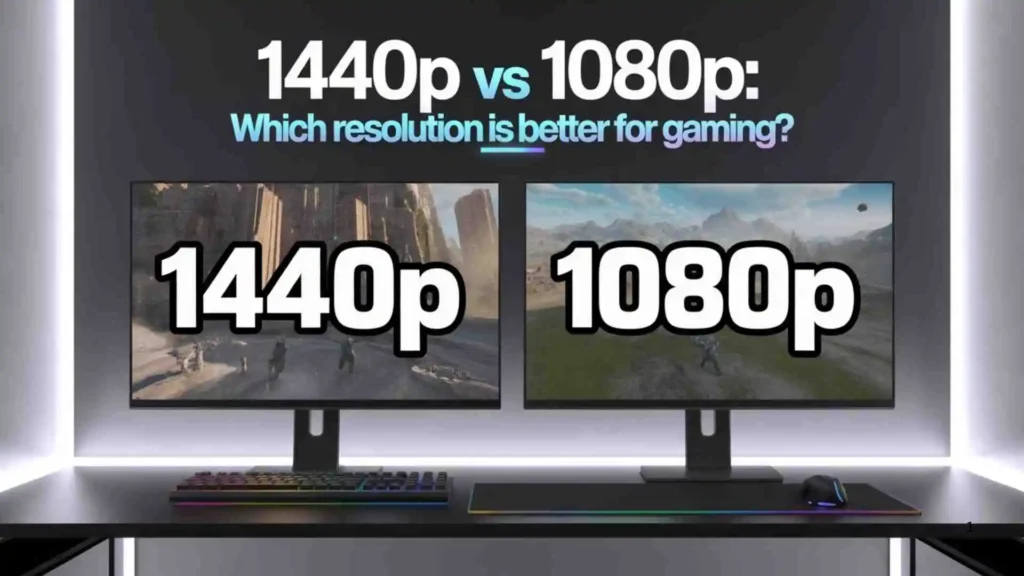
Competitive gamers prefer:
- 1080p
- 240Hz refresh rates
- Maximum frame rates
Higher FPS can improve reaction time in fast-paced games.
1440p vs 1080p for Content Creation
For content creators:
- 1440p offers better detail
- More workspace for editing
- Sharper image previews
If you edit videos or photos, 1440p provides a noticeable advantage.
Which Should You Choose?
Choose 1080p if:
✔ You want maximum performance
✔ You play competitive games
✔ You’re on a tight budget
Choose 1440p if:
✔ You want sharper visuals
✔ You play story-driven games
✔ You have a strong GPU
Conclusion
The 1440p vs 1080p debate depends on your priorities. If performance and affordability matter most, 1080p remains a solid choice.
If you want sharper visuals and a more immersive experience, 1440p offers a clear upgrade without jumping to 4K.
Consider your GPU power, monitor size, and gaming style before deciding. The right resolution balances performance and visual quality for your setup.
Also Check These Posts
- Nebraska vs Utah Which State Is Better to Live In for 2026
- Miami vs Cincinnati | Match Preview Stats & Prediction for 2026

Sophia Miller
Hi, I’m Sophia Miller, a passionate language enthusiast and grammar lover. Ever since I was a child, I’ve been fascinated by the power of words and how proper grammar can transform communication. I’ve spent years exploring the intricacies of English, from punctuation quirks to sentence structures, and I love helping others master the art of writing clearly and confidently. Writing, teaching, and sharing tips has always been my way of connecting with fellow language lovers. When I’m not analyzing sentences, you’ll find me reading novels or sipping coffee while jotting down new ideas. Grammar isn’t just rules to me—it’s a way to express creativity with precision.
Books by Sophia Miller:
-
Mastering English Grammar Made Easy
-
The Writer’s Guide to Perfect Sentences